About Me
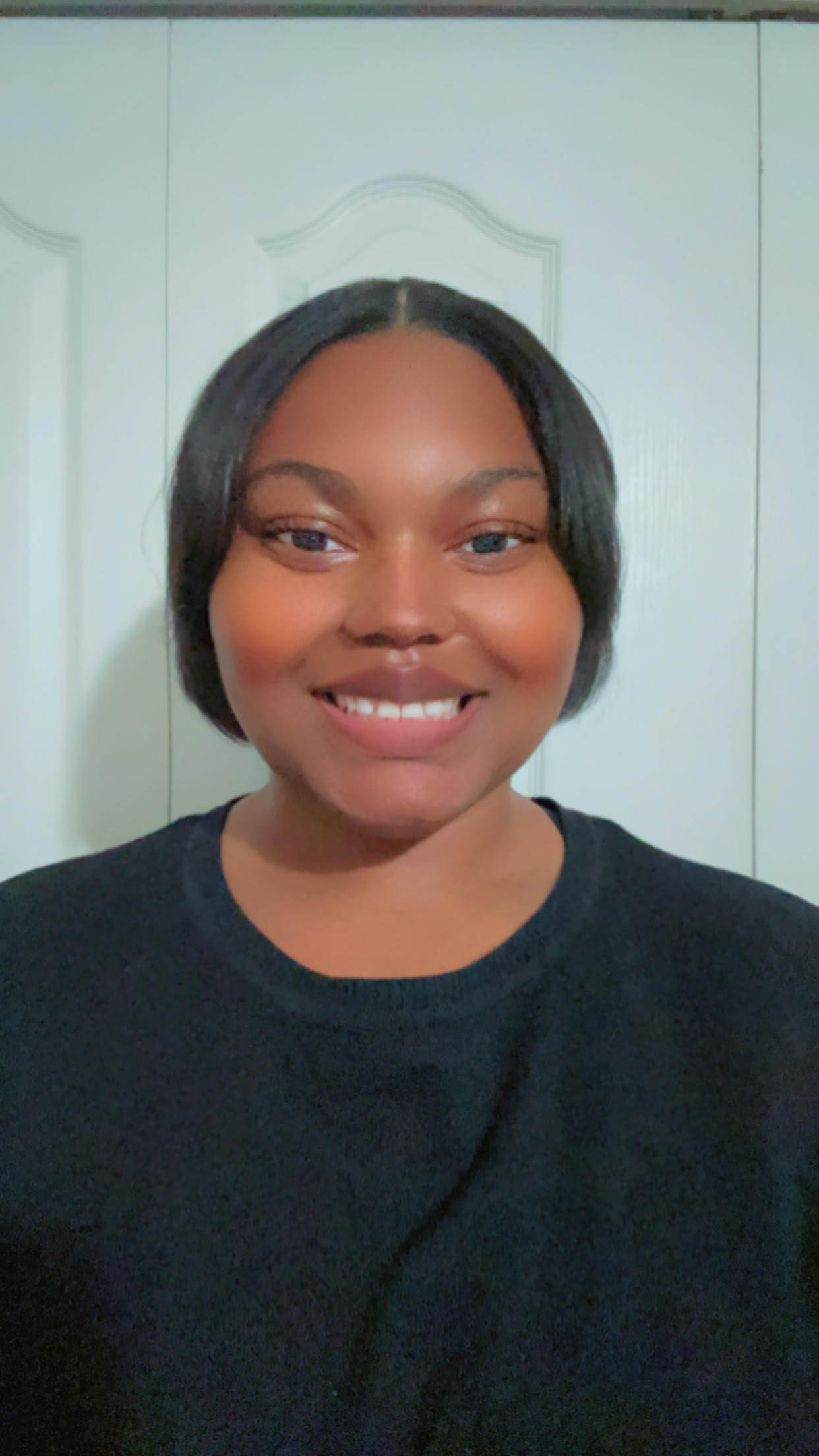
Adonia Richards
Digital Media, University of Central Florida
I hold a Bachelor of Arts degree in Digital Media with an emphasis in Web Design from the University of Central Florida. I am passionate about the evolving landscape of digital technology, particularly, my focus lies in the integration of creativity with cutting-edge platforms. With a strong inclination for coding and design, I continuously explore innovative ways to elevate digital media experiences. My journey in digital media has been a source of inspiration, propelling me to excel in every project. I have honed my skills in mobile development, particularly with technologies such as React, React Native, and other programming tools, which empower me to design, develop, and solve complex problems effectively. Through my work, my ultimate goal is to create meaningful and engaging user experiences.
More Information about my projects can be found here.
GIFs of each React and React Native Project
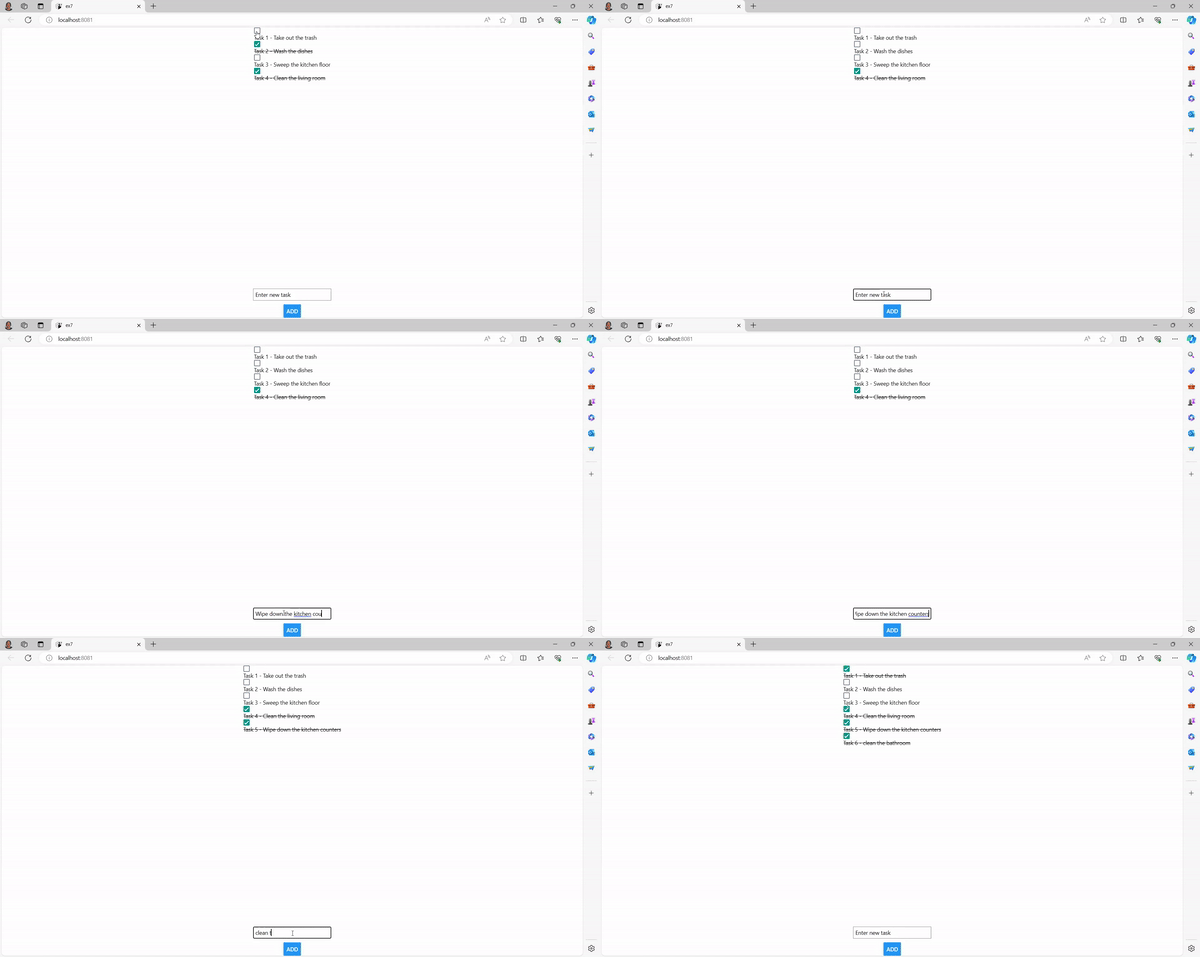
This is a gif of a React Native Todo App with a design of checkboxes to mark the tasks complete and a text box to add tasks. A problem that I encountered was implementing the checkboxes. I solved this problem by correcting the react native component and making it a clickable checkbox on the application.
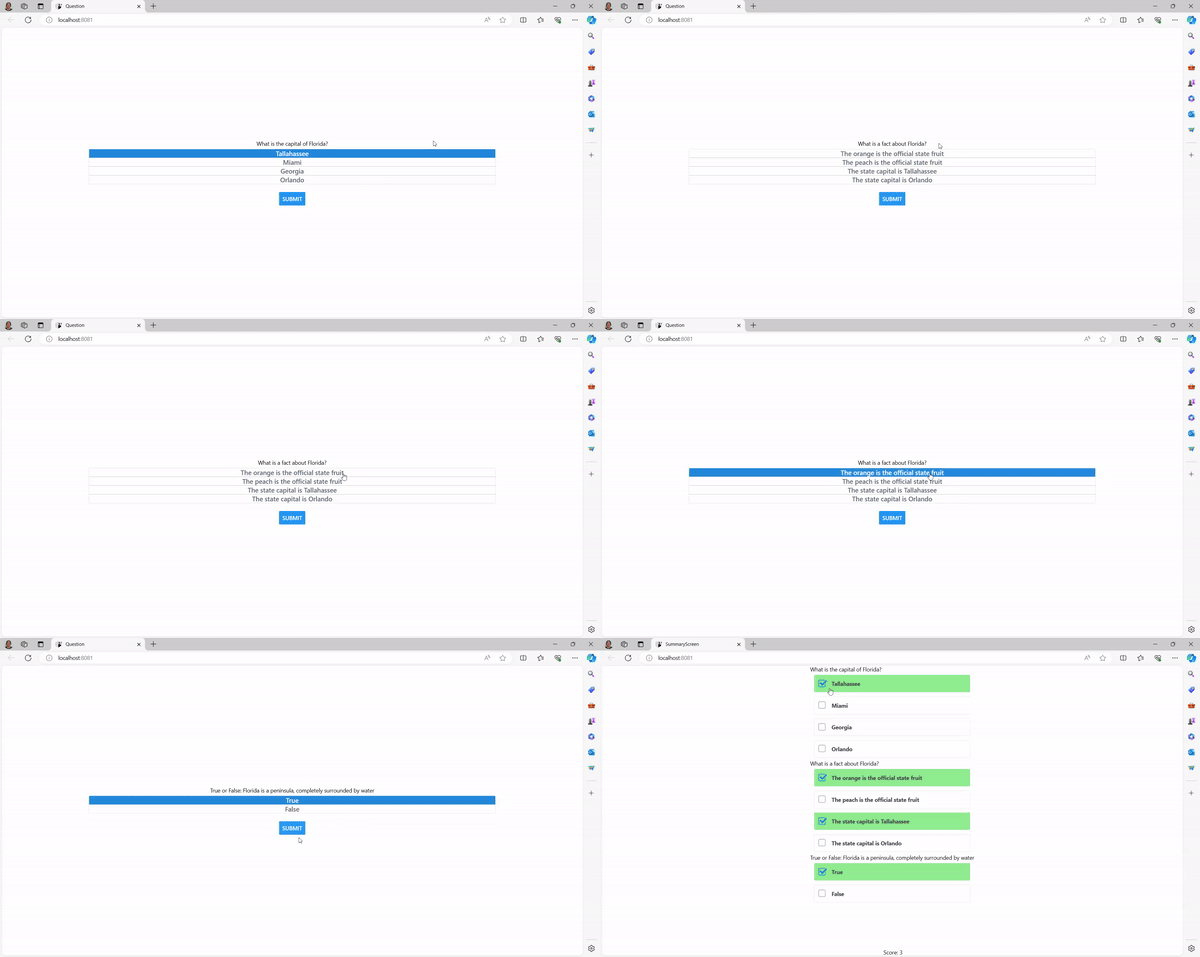
This is a gif of a React Native Quiz App with multiple choice, true or false, multiple answer questions. A problem that I encountered was adding the results screen. I fixed this by including the stack navigation for different screens. My design choices for the results screen was to mark the correct answers green.
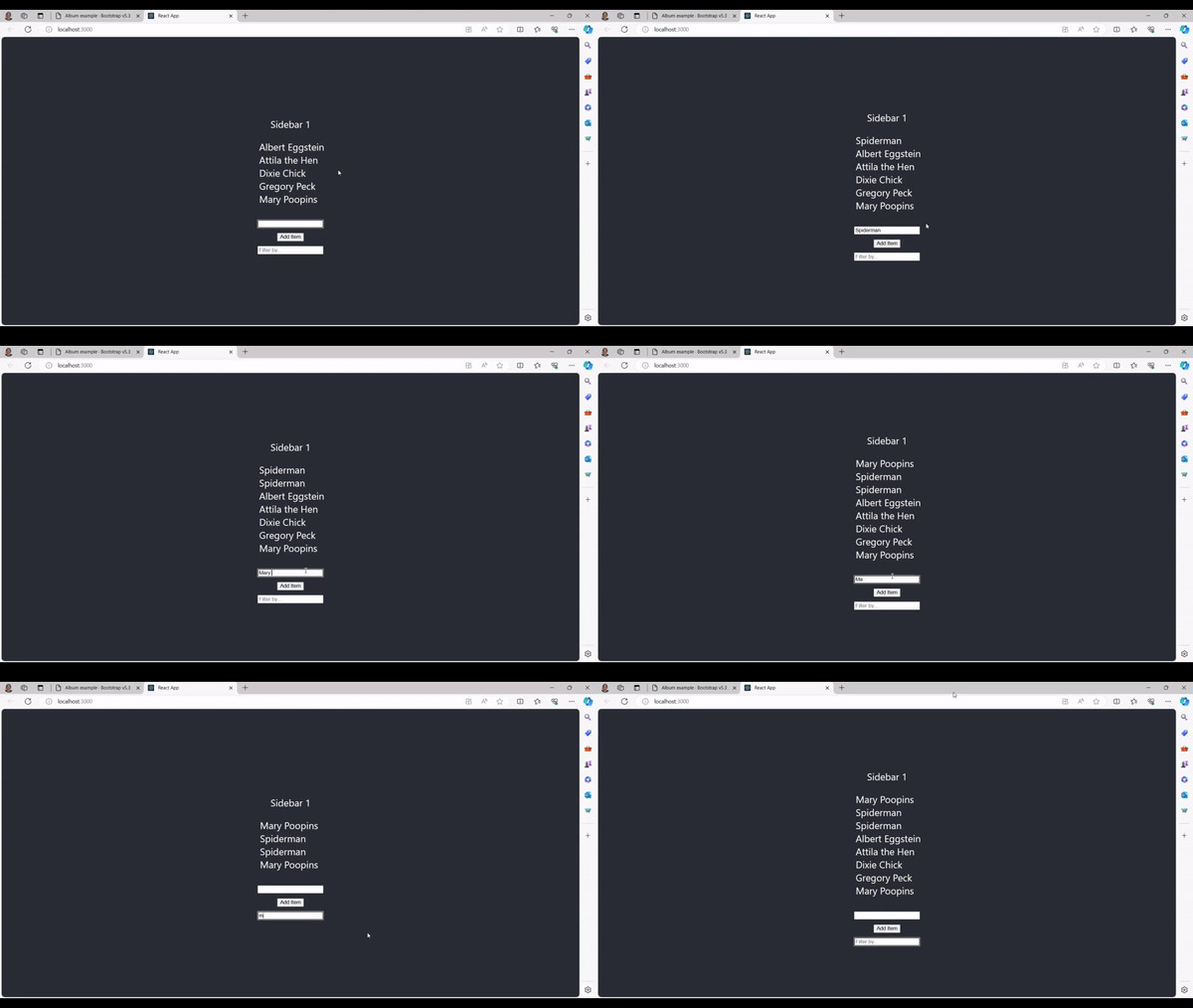
This is a gif of a React Object Oriented Design App with a textbox and a filter feature. A problem that I encountered was adding the filter feature. I solved this problem by using arrow functions. I chose to have a simple design with a vertical layout to make it easier for the viewer to view the application.
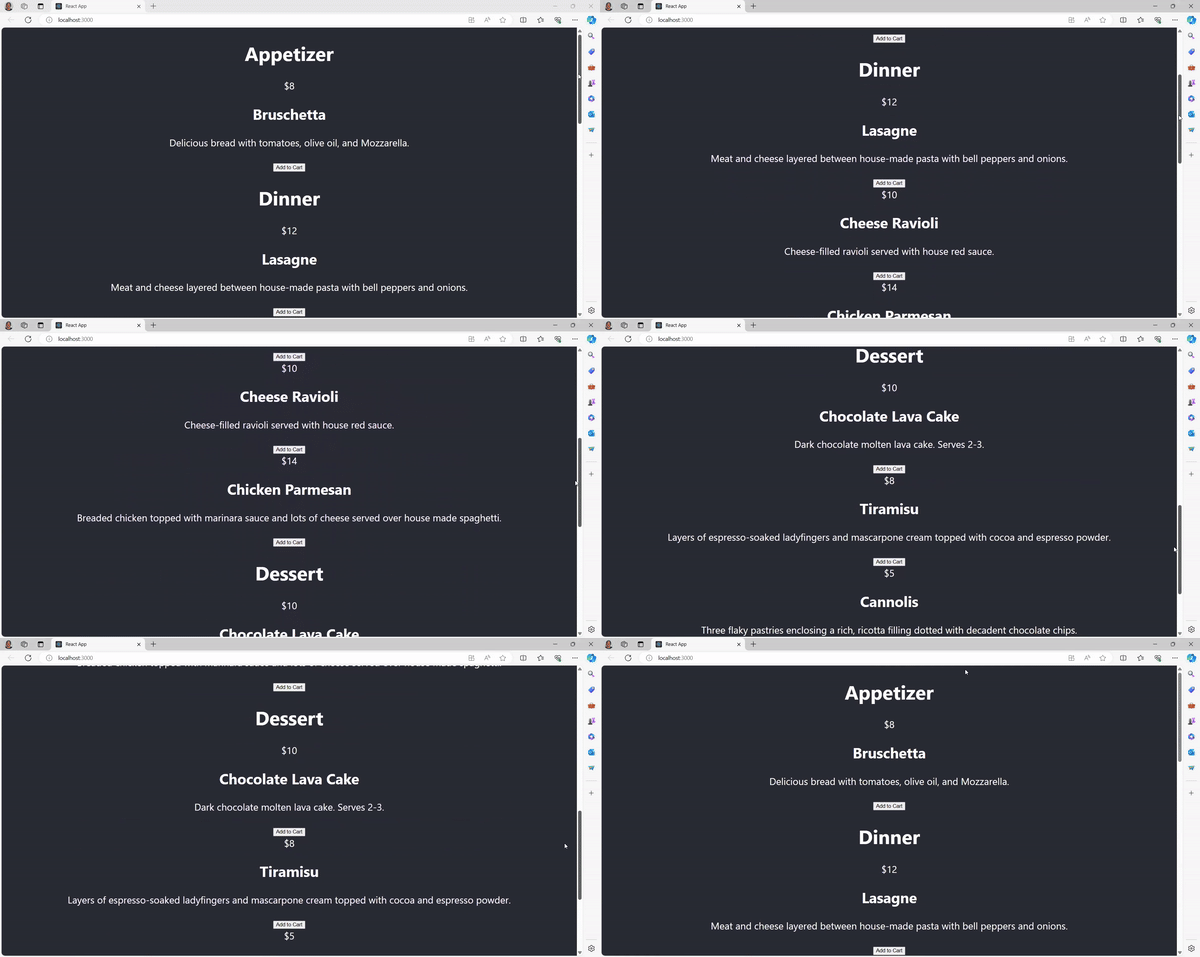
This is a gif of a React Menu. The skills and design functionality that I chose was including a components folder and importing the menu into the App. A problem that I encountered was the menu repeating twice. I solved this by importing the components into the app.
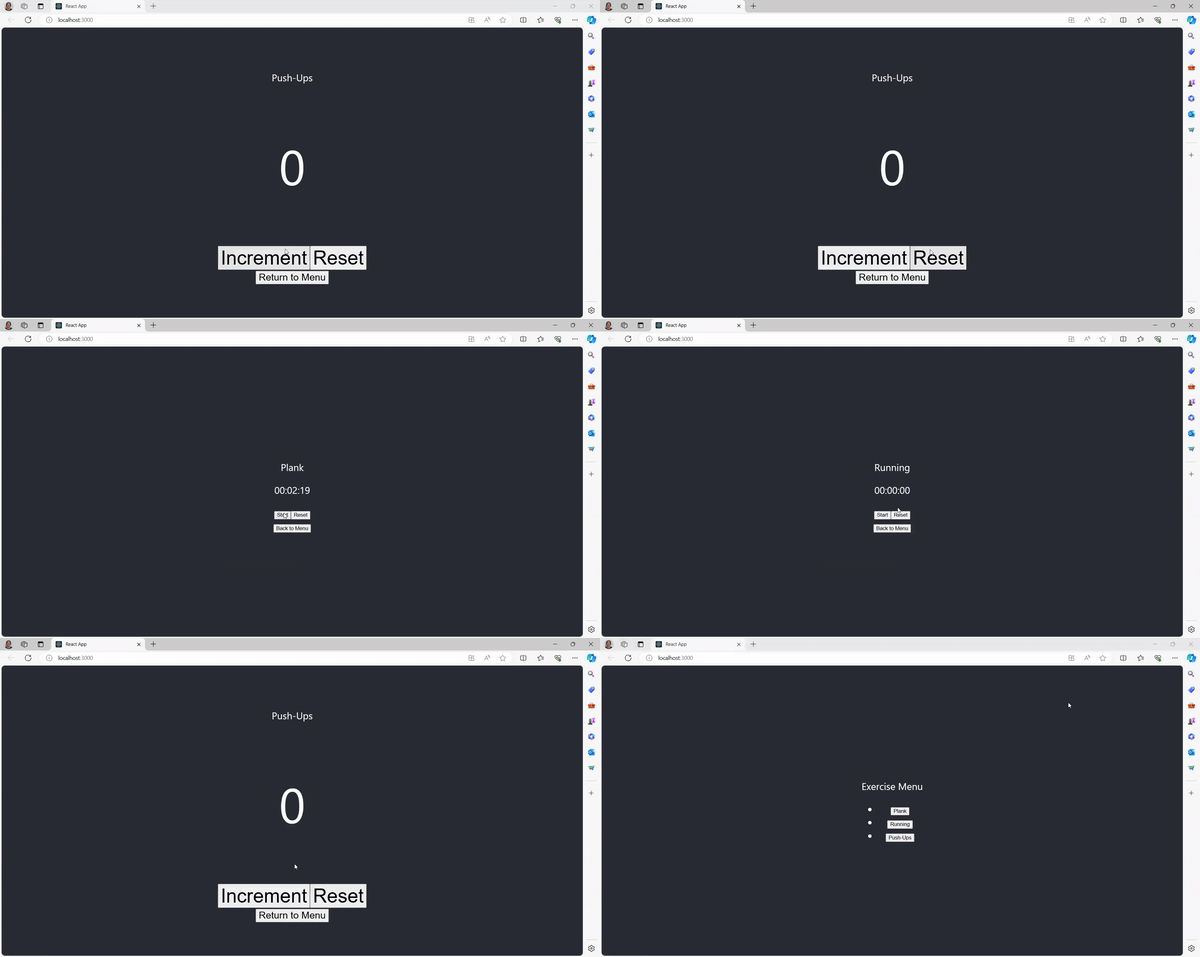
This is a gif of a React Native Exercise App. The purpose of this project is to design an app that is usefull with timers and reset buttons. A problem that I encountered was having the pushups exercise screen return to the main menu. I was able to solve this by correcting my curly brackets syntax.

This is a gif of a React Native Exercise App. A skill that I used was including the stack navigation to organize the different screens. A problem that I encountered was including a lap recorder element. I was able to solve this problem by importing my timer file into my lap file. I designed this app with a simple layout.
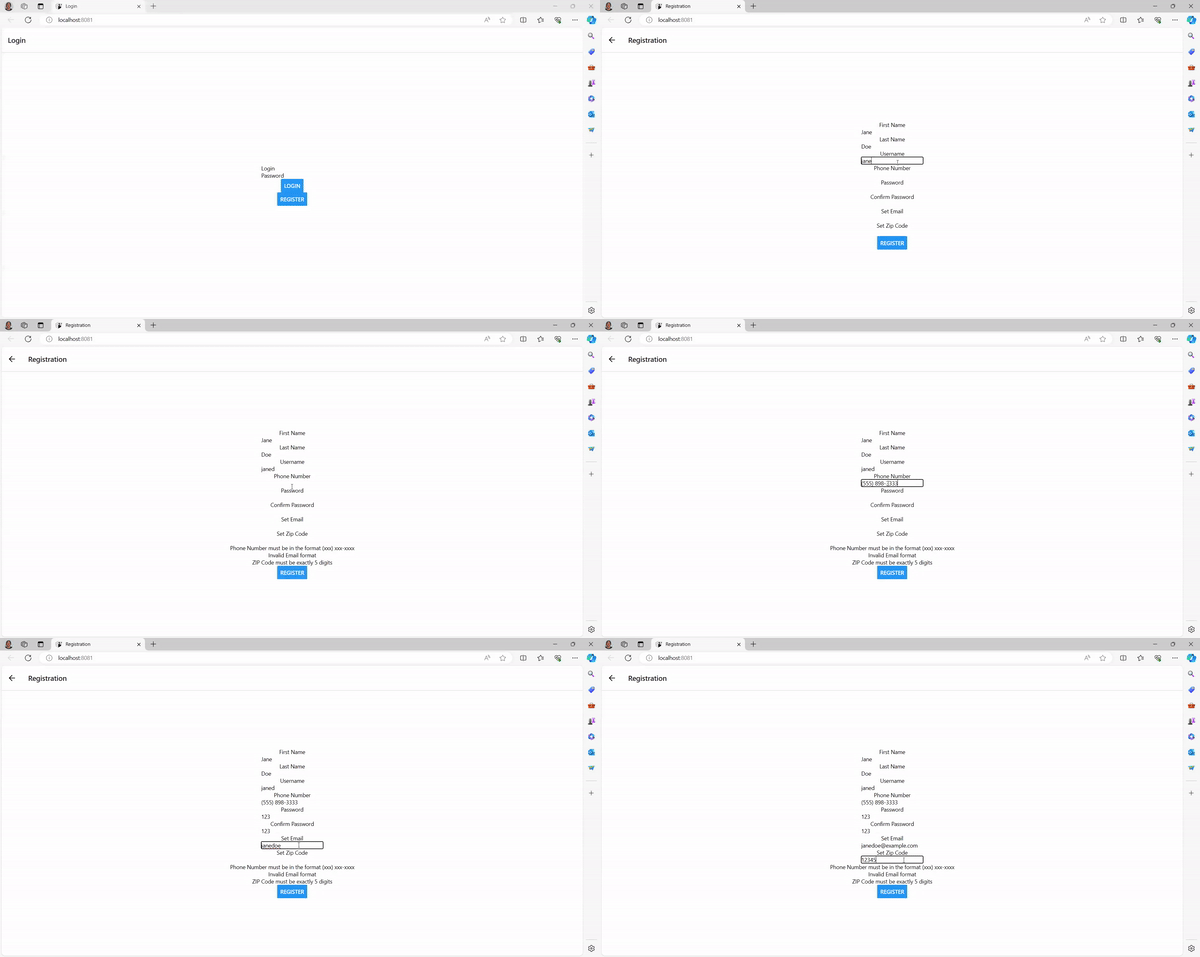
This is a gif of a React Native Login and Registration App. A problem that I encountered was adding a placeholder string before the text is entered. I made this design choice so that the viewer can input text in the textbox. I solved this problem by including TextInput in React Native in the beginning of the app.
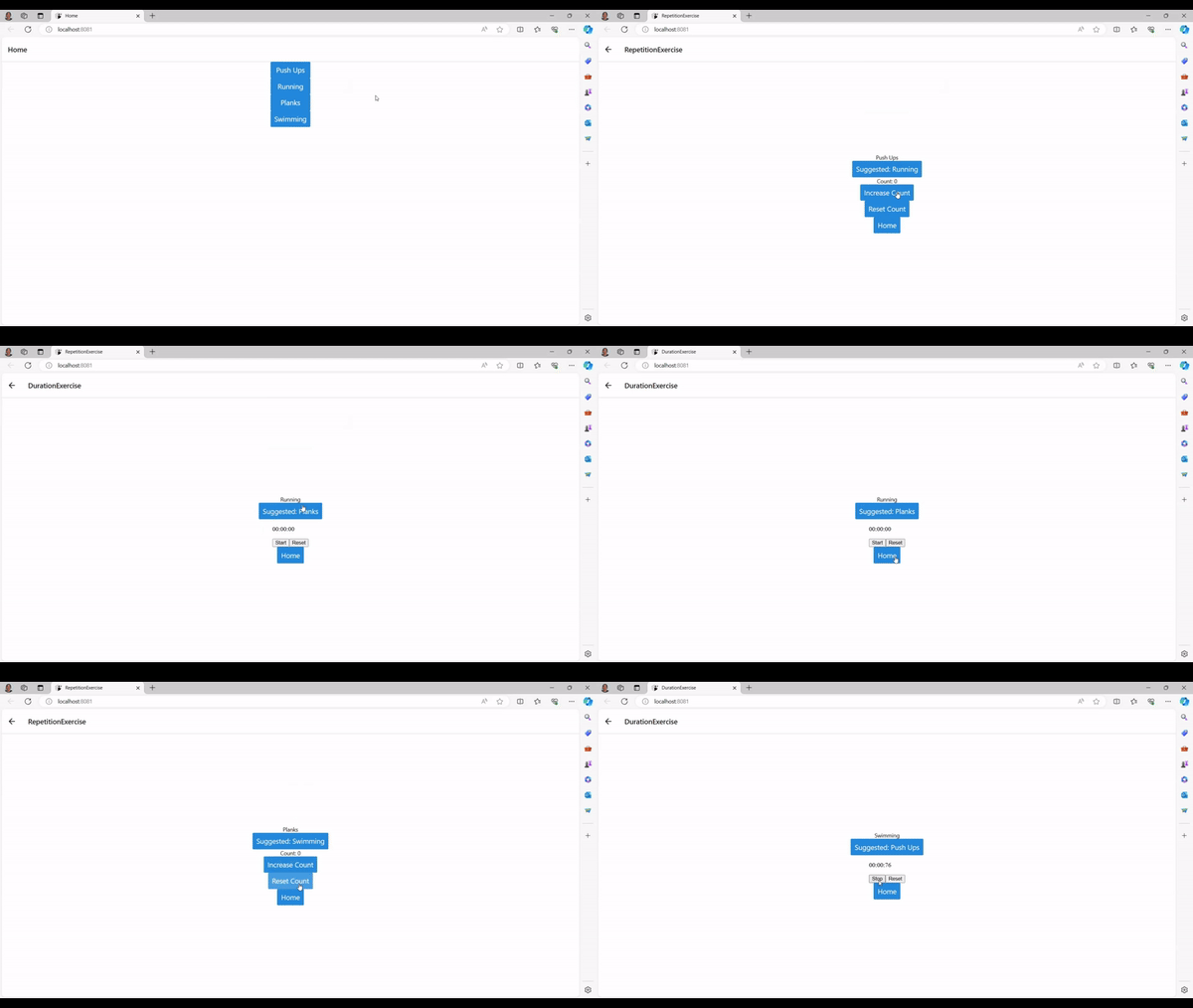
This is a Gif of a React Native Exercise App. The purpose of this app is to design an exercise app with functionality and a color scheme. The color scheme I chose was blue, white, and black. A problem that I encountered was returning to the main menu. I solved this by creating functions for different screens.
PDFs of App designs
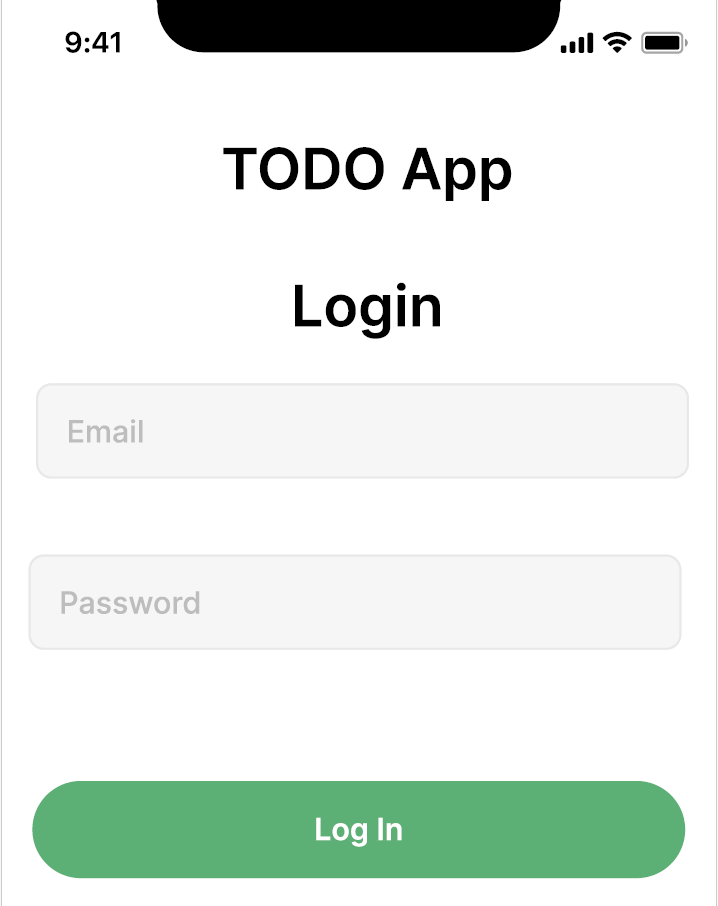
This is a design of a Todo App. I used Figma to design this app. My design choices was to have a color scheme of green, white, and black. A problem That I encountered was creating checkboxes. I solved this project by adjusting the size of the checkboxes to fit the font size of the text.
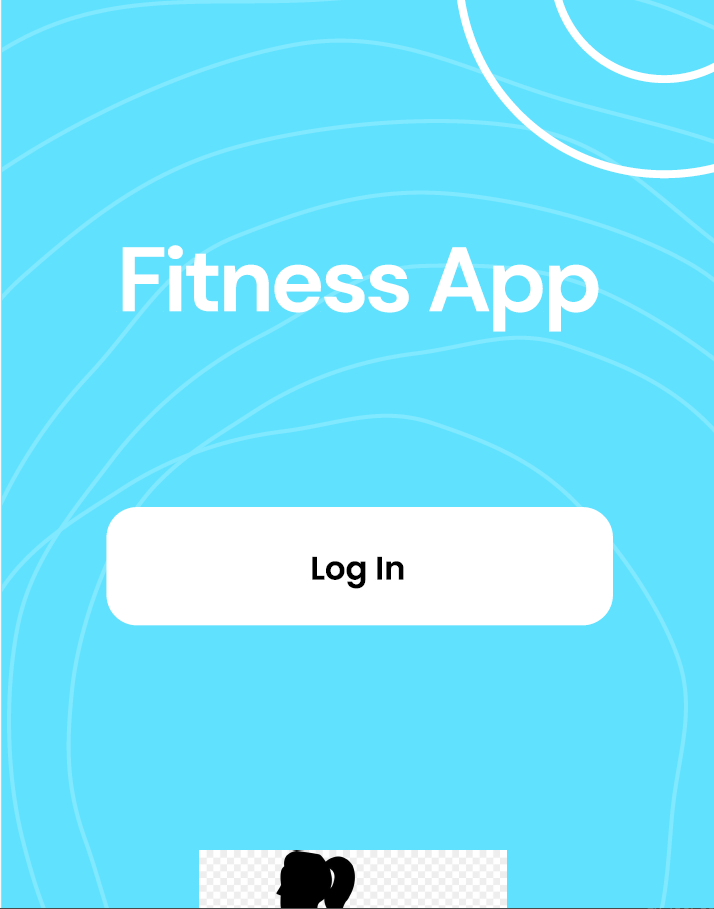
This is a redesigned OrangeTheory Fitness App. A problem that I encountered was designing the home screen's background. I solved this by including a light blue color and illustrations to make the app's home screen look interesting. I used Figma to design this app.
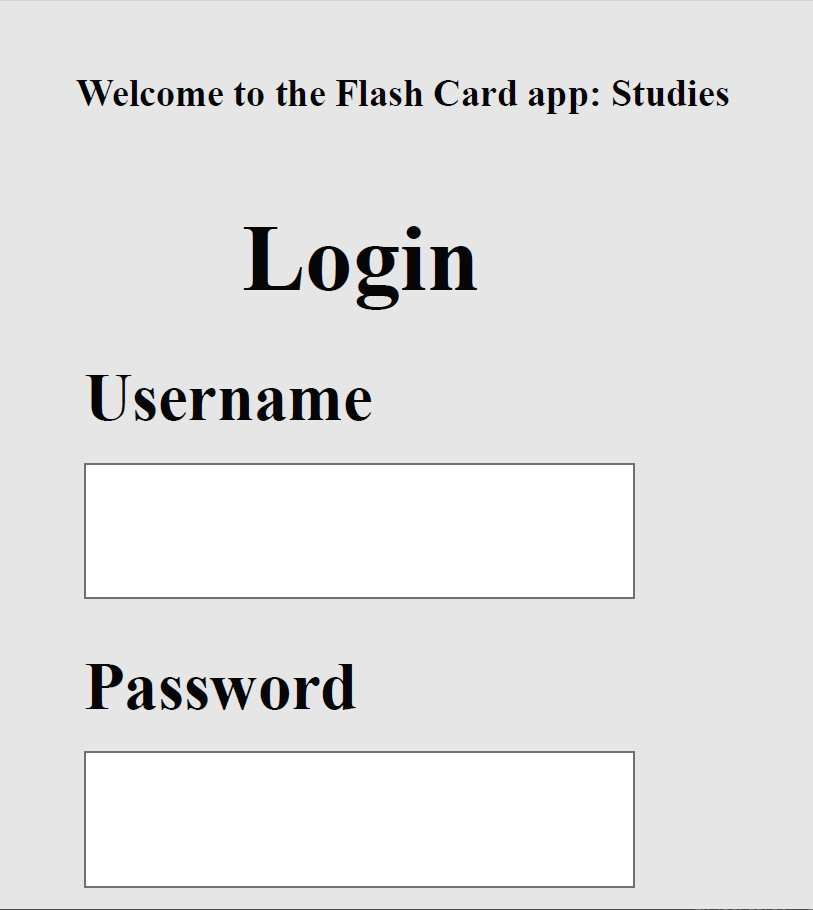
This is a design of Study Flash Card App. I chose to design a color scheme of gray, black, and white. A problem that I had was creating the flashcard's sizing. I solved this problem by using the line tool to custom the flashcard's size. The purpose of this project is to design a study app with flash cards. I used Adobe XD technology. It includes to have a login screen and a study screen with flashcards.
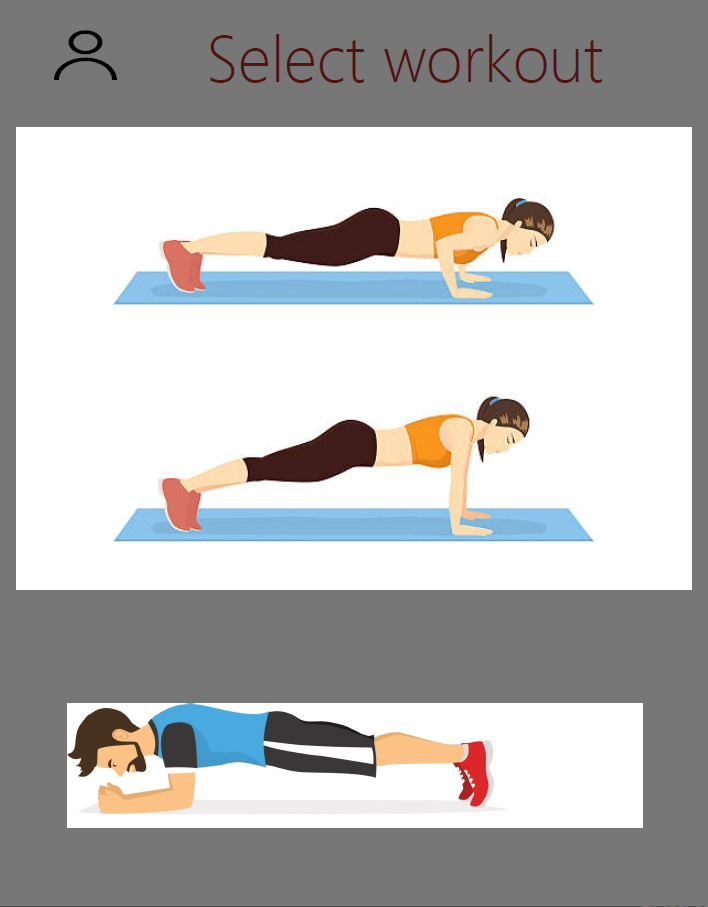
This is a design of a Fitness App with added features. I chose to add design features like a select workout description for the user to chose from. The color scheme is gray and red. A problem that I encountered was displaying the select workout description at the top of the design. I solved this by moving the textbox to the top. I used Adobe XD to create this.
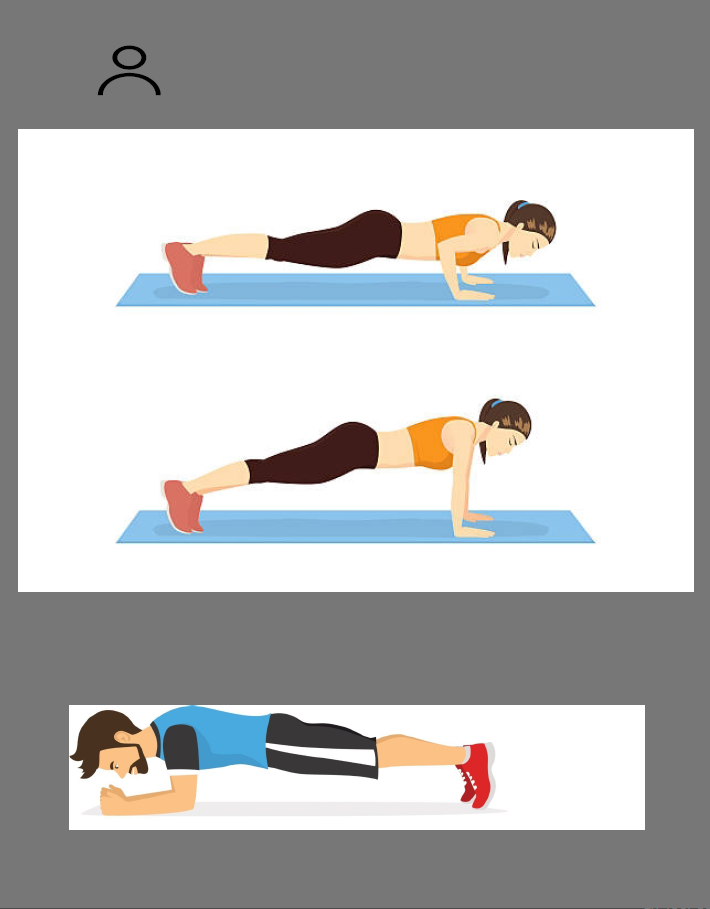
This is a design of the original Fitness App. I chose to include exercsies like pushups and planks. The color scheme is gray with a profile icon in the top left to return to the main page. Problems that I encountered was including the descriptions of each workout on the main page and resizing the images. Originally, the images were oversized for the app's design but I was able to scale down the sizing.